
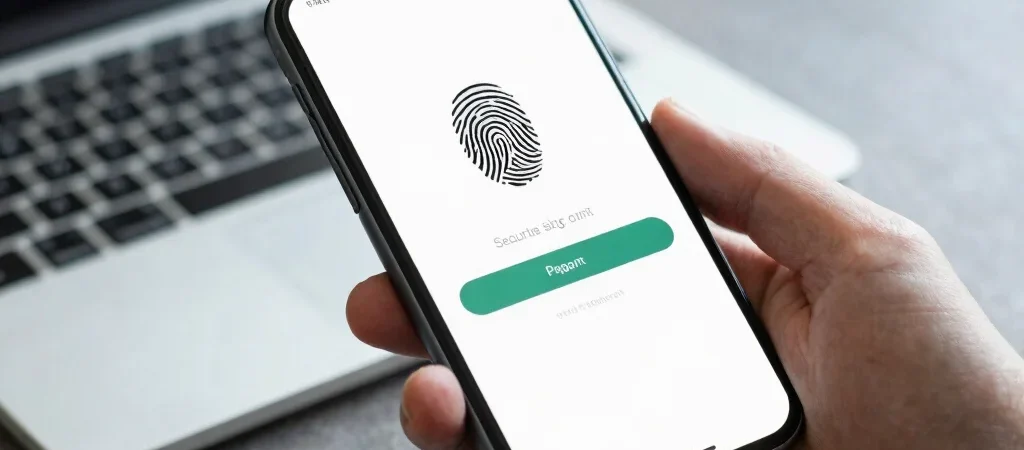
The password box is so familiar that its absence can feel like a small magic trick: choose an account, approve a prompt on your device, and move on. Passkeys replace a typed shared secret with a credential tied to a device and unlocked using its local security method, such as a fingerprint, face scan, or PIN. The convenience is real, but the more useful story is how sign-in and recovery change together.
What changes at sign-in
With a password, a person has to remember or retrieve a secret and enter it into a site or app. A passkey lets a compatible service verify a cryptographic credential instead, while the user approves access on a device. That design can make common password-stealing tricks less effective, though it does not make every account or device risk disappear.
Recovery is part of security
Before switching an important account, check how you would get back in if your phone or computer were lost, replaced, or unavailable. The answer varies by service and by how passkeys are stored or synchronized, so do not assume every setup works the same way. Keep recovery details current and consider adding a second trusted sign-in method where the service allows it.
Adopt them one account at a time
Start with a service you use often and can recover confidently, then learn how its passkey prompt works across your devices. A password manager or device ecosystem may help keep credentials available, but the exact experience depends on the platform and account settings. The practical takeaway is simple: a smoother sign-in is worthwhile when you understand the route back in, too.